Are video views the same as Reels views?
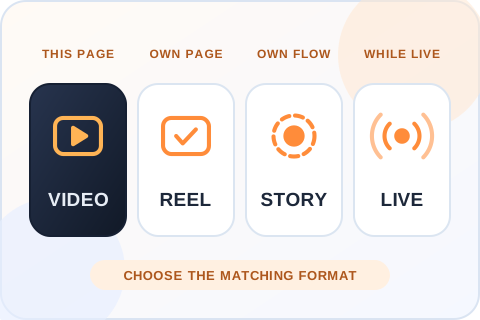
No. This page is for eligible Instagram video posts, and you select the exact video during checkout. Reels have their own service and package page, so an order placed here doesn’t go to a Reel. Select the format that matches the content before checkout, and check the thumbnail in the selection step.
Do you need my Instagram password?
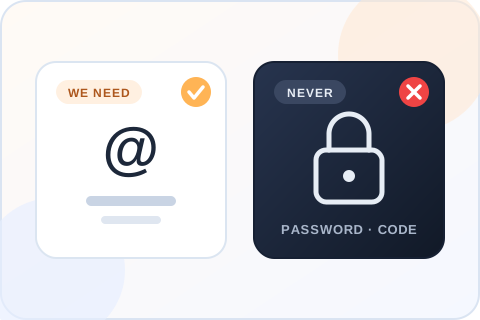
No. The order uses an eligible public account or content and an email address for the receipt. We do not ask for your Instagram password, a login code or a two-factor code, and nobody at Boost Social Media logs in to your account. A seller who asks for any of those is asking for control of the account.
When will the order start?
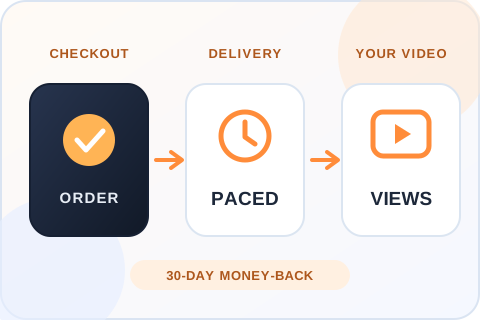
Delivery starts within 20 minutes of a successful payment. That is the start, not the finish: delivery is paced, so a large package takes longer to complete than a small one. Keep the selected video and the account public while the order runs. If the view count still hasn’t moved after that, send support your order number.
Is it safe to buy Instagram video views?
You never give us your password, so nobody but you can log in, post or change anything. The order uses your public username and the video posts you select, and delivery is paced. We can’t speak for Instagram and no honest seller can, but an order that needs no account access is the low-risk way to do this.
Do Instagram video views drop after delivery?
No. Views delivered through this service don’t drop. Once they are in the video’s view count they stay there, and any plays the video earns on its own come on top. If the count ever looks lower than what you ordered, send support your order number and the post link. Support is available 24/7.
Can I get a refund?
Yes. If you’re not satisfied, ask for your money back within 30 days of purchase. Support is available 24/7 and can start the request for you, and the terms are on our Refund Policy page. Include your order number so support can find the order.
How much do Instagram video views cost?
Packages start at $0.99 for 100 views, and every price is shown in the package grid before you enter a username. Custom accepts any whole number from 100 to 100,000. An amount between two packages is charged at the next package’s price.
Can I split the views across several videos?
Where the selected package permits more than one post, the allocation screen shows the amount required for each. Review every thumbnail and assigned amount before payment. If the package allows only one video, choose the single video you most want to support and place a separate order for the next one.
Do video views count as watch time?
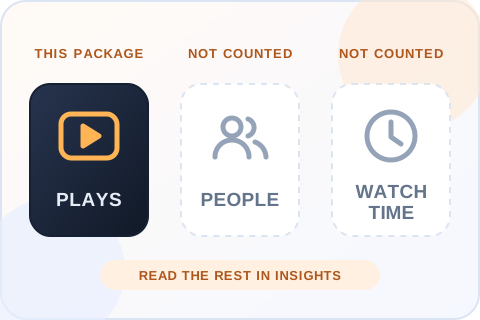
No. A view is a play. It does not tell you how long people watched or how many different people played the video. Instagram Insights for the post is where you read retention, and that figure comes from how real viewers behave. A view package doesn’t set it, so keep the two numbers apart when you review a video.
Do video views help a post rank in the feed?
Nobody outside Instagram can promise that. Adam Mosseri has written that in Feed, Instagram looks most closely at how likely a person is to “spend a few seconds on a post”, comment on it, like it, share it and tap the profile photo. Those are predictions about each viewer. A view package changes the play count people see, not how the next viewer behaves.
Will video views guarantee reach or followers?
No. A view package changes one displayed count, the play count on the video you selected. It cannot guarantee broader distribution, lasting engagement, followers or sales. Those depend on the video and on how viewers respond to it, which is why the opening seconds and the cover still matter.
Can I get views on every new video automatically?
Yes, with a separate plan. Instagram Auto Views covers new public Reels and video posts for 30 days, up to 60 videos in the term with no daily limit, and it does not renew automatically. The plan detects a new video within a few minutes of it going live. It is linked near the top of this page.
How can I pay?
By credit or debit card, Apple Pay, Google Pay or crypto (10% off with crypto). The methods you see at checkout depend on your device and location. Your Instagram password is never part of the payment or the order.
Is there a cheap way to test the service first?
Yes. The smallest package is 100 views for $0.99, which is enough to see how an order looks on your own video. Our free trial page also offers 100 Instagram views on one public post or Reel, with one free service every 24 hours.
Is Boost Social Media affiliated with Instagram or Meta?
No. Boost Social Media is an independent service and is not affiliated with, endorsed by or sponsored by Instagram or Meta. We have offered social media services since 2016. For questions about Instagram’s own rules and settings, the right source is Instagram’s Help Center.