
YouTube Channel Trailer: What to Show and How to Set It Up
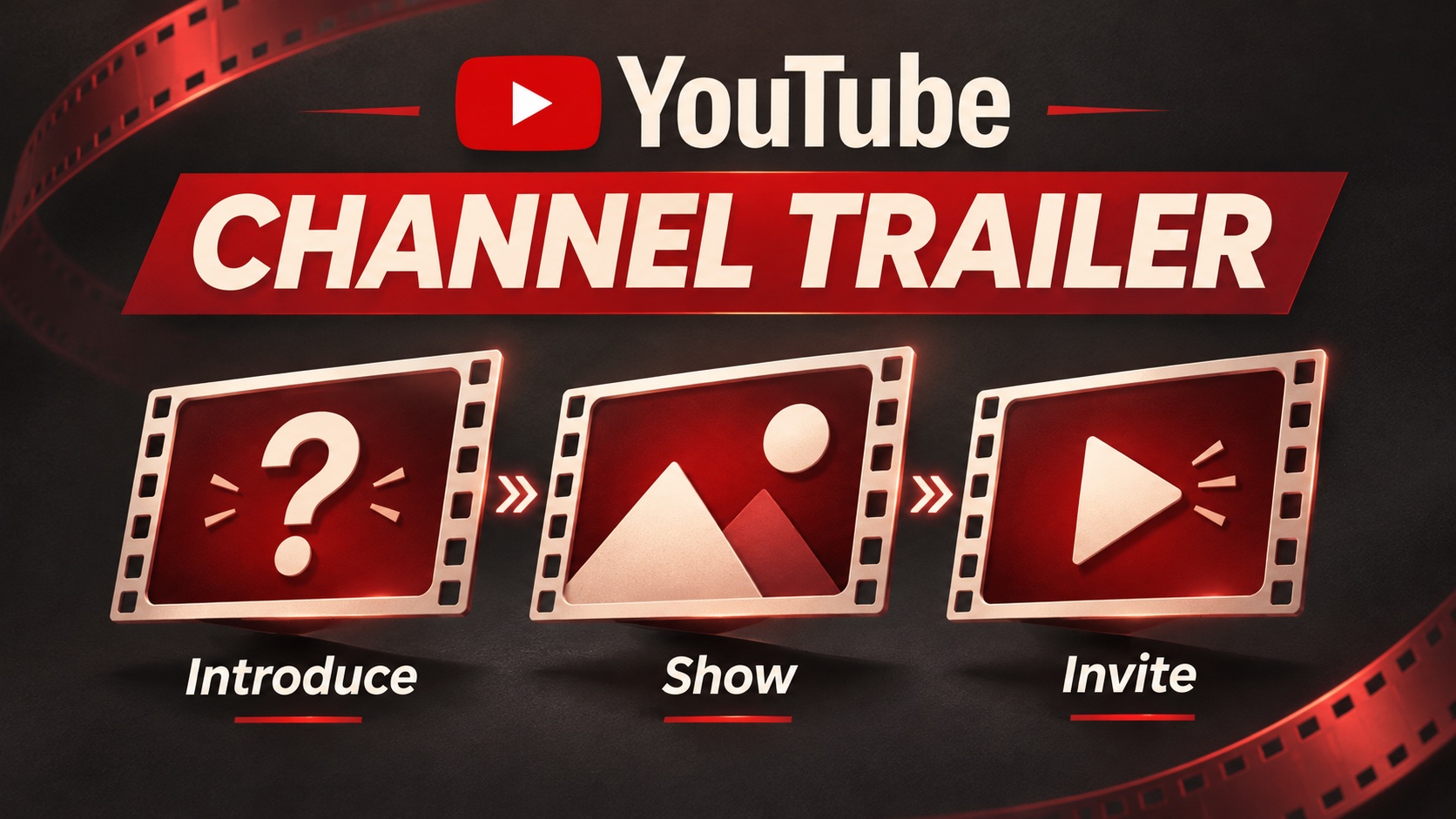
A YouTube channel trailer gives someone who has not subscribed a quick introduction to your channel. You choose the video in YouTube Studio, under Customization and the Home tab. A useful trailer helps that visitor recognize a reason to return: the problems you solve, the stories you tell, or the kind of entertainment you make.
Start with that decision. If a stranger finishes your trailer and still cannot describe your channel, better transitions will not fix it. Write the message first, choose footage that supports it, and give the viewer somewhere relevant to go next.
Decide whether you need a new video
You may already have a suitable introduction. Look through recent uploads for a video that makes sense without knowing your history, shows your usual style, and represents what you plan to publish next. A popular upload about an abandoned topic could give newcomers the wrong impression.
Make a dedicated trailer when no existing video explains the channel clearly. This is particularly useful when several series serve the same audience but look unrelated in the video grid. A repair channel, for example, might cover tools, household fixes, and maintenance. Its trailer can explain the connection: helping beginners handle small repairs confidently.
Keep the scope manageable. You need an introduction you can finish and update, not a production that delays the next useful upload.
Build a trailer around one believable promise
Write down the question a new visitor brings. For our hypothetical repair channel, it might be, “Can I follow these instructions without a workshop full of expensive tools?” That question is more useful than a list of adjectives about the creator.
Next, choose three short excerpts from videos you own. Each should show something different: a clear explanation, the actual task, and a result viewers can inspect. Avoid a montage of unrelated achievements. The footage should make your promise easier to believe.
Here is an original planning example for a roughly 45-second introduction. The timings are an editing starting point, not a YouTube requirement.
- Opening: Show a loose cabinet handle. Say, “Small repairs can feel complicated when nobody explains the first step.”
- Demonstration: Cut to a close view of the correct tool and a careful adjustment. Say, “Here, you can see the tools, the checks, and the mistakes to avoid before trying a job.”
- Range: Show two other relevant lessons. Say, “Start with simple fixes, then work through maintenance projects at your own pace.”
- Invitation: Finish with, “Subscribe for practical repair lessons. The beginner playlist is a good place to start.”
Use your own words when recording. If a line sounds stiff aloud, shorten it. If you cannot show evidence for a claim, change the claim. A trailer should resemble the experience viewers will get from your regular videos.
Put each spoken sentence beside the clip that will accompany it. If the sentence says a lesson is beginner friendly, show the explanation of a tool or a clearly marked first step. If it promises a comparison, show the alternatives together. This simple pairing makes the script easier to film and catches claims that the footage never actually supports on screen.
Edit for understanding before adding effects
Watch the rough cut without background music. Can you understand every sentence? Does each clip stay visible long enough to explain its point? A fast edit can be lively, but a demonstration disappears if the cut happens before viewers see the action.
Then watch with the sound muted. Add readable captions and brief labels where they help explain the footage. Keep text away from busy details. Check it on a phone; a line that looks comfortable on your editing monitor may be difficult to read at a smaller size.
Remove repeated introductions, long logo animations, and promises about an upload schedule you cannot maintain. Use music you have permission to include. Keep the project file so updating an outdated clip does not require starting over.
Set the trailer in YouTube Studio
After uploading your finished video, follow YouTube’s channel layout instructions on a computer:
- Open YouTube Studio and select Customization.
- Open the Home tab and make sure it is enabled.
- Under Layout, choose ADD section, then Channel trailer.
- Select your video and click Publish to save the layout.
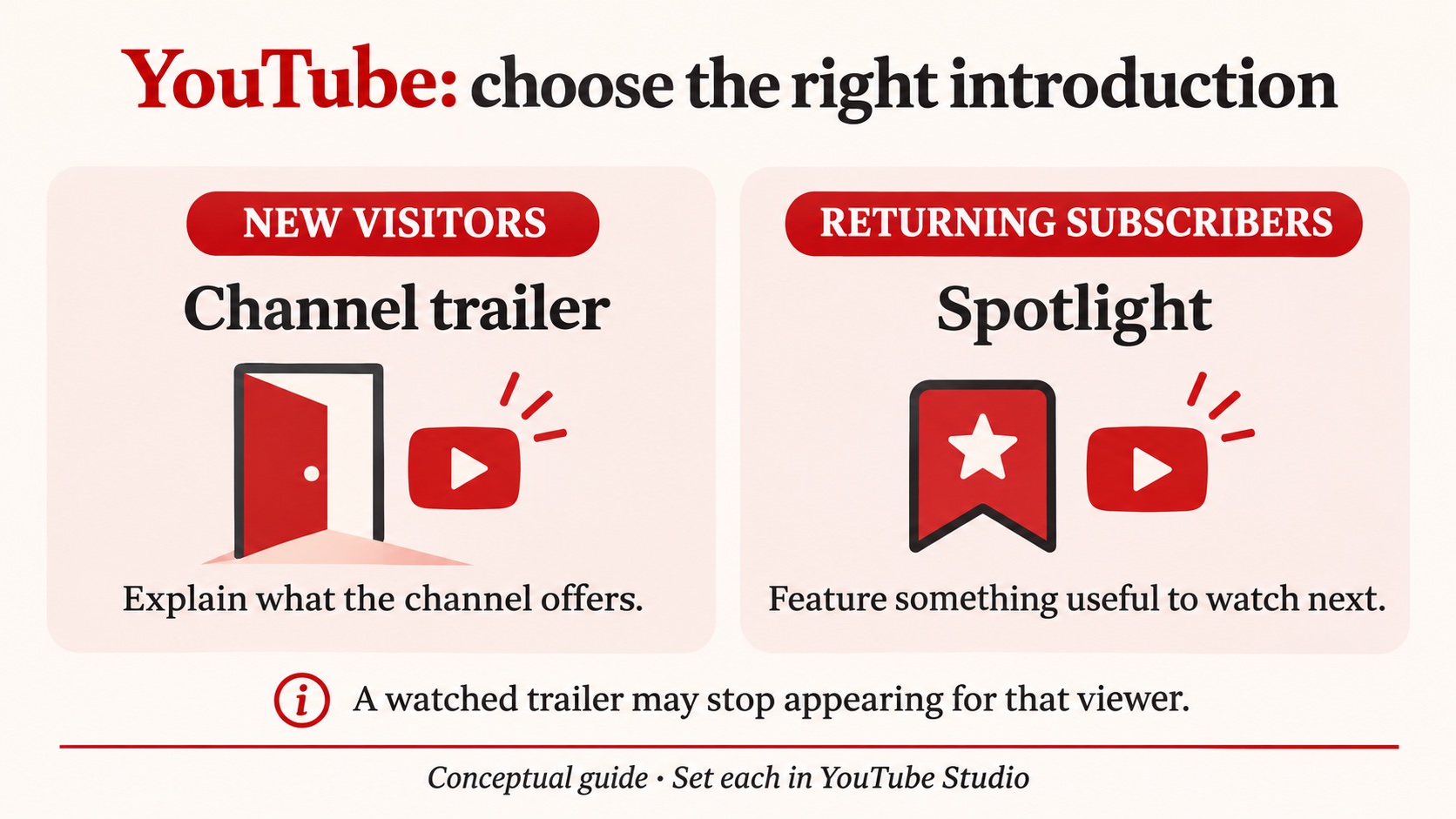
The trailer serves people who have not subscribed. Returning subscribers have a separate featured-video option called Spotlight. You could introduce the channel to newcomers while using that second space for a current series or a particularly useful recent lesson.
YouTube also says a trailer stops appearing to a viewer after they watch it. An absent trailer during a repeat visit is therefore not, by itself, proof that your setup failed.
Check the visitor’s next step
Read your trailer title, channel description, and visible video titles together. They should describe the same subject. If the trailer invites people into a beginner playlist, give that playlist an obvious name and keep its opening lessons current.
Ask someone unfamiliar with the channel to watch once. Ask what they expect to learn and which video they would choose next. Their answer can expose a missing explanation more quickly than asking whether they liked the editing.
This preparation also matters when considering promotion. If you plan to buy YouTube subs, review the service details and prepare the channel experience first. The service concerns subscriber count; your trailer and ongoing videos still need to give visitors a reason to watch. Treat those as separate jobs when evaluating progress.
Update the trailer when the channel changes
Revisit the trailer after a meaningful change in your subject, format, or intended audience. Replace clips that no longer represent your work and remove references to discontinued series. Keep the introduction accurate enough that someone arriving today knows what subscribing would mean.
Before recording a replacement, watch your current version beside three recent uploads. Note any mismatch in topic, pace, or production style. Fix the biggest mismatch first. A clear, representative introduction is more useful than a polished preview of a channel you no longer make.