
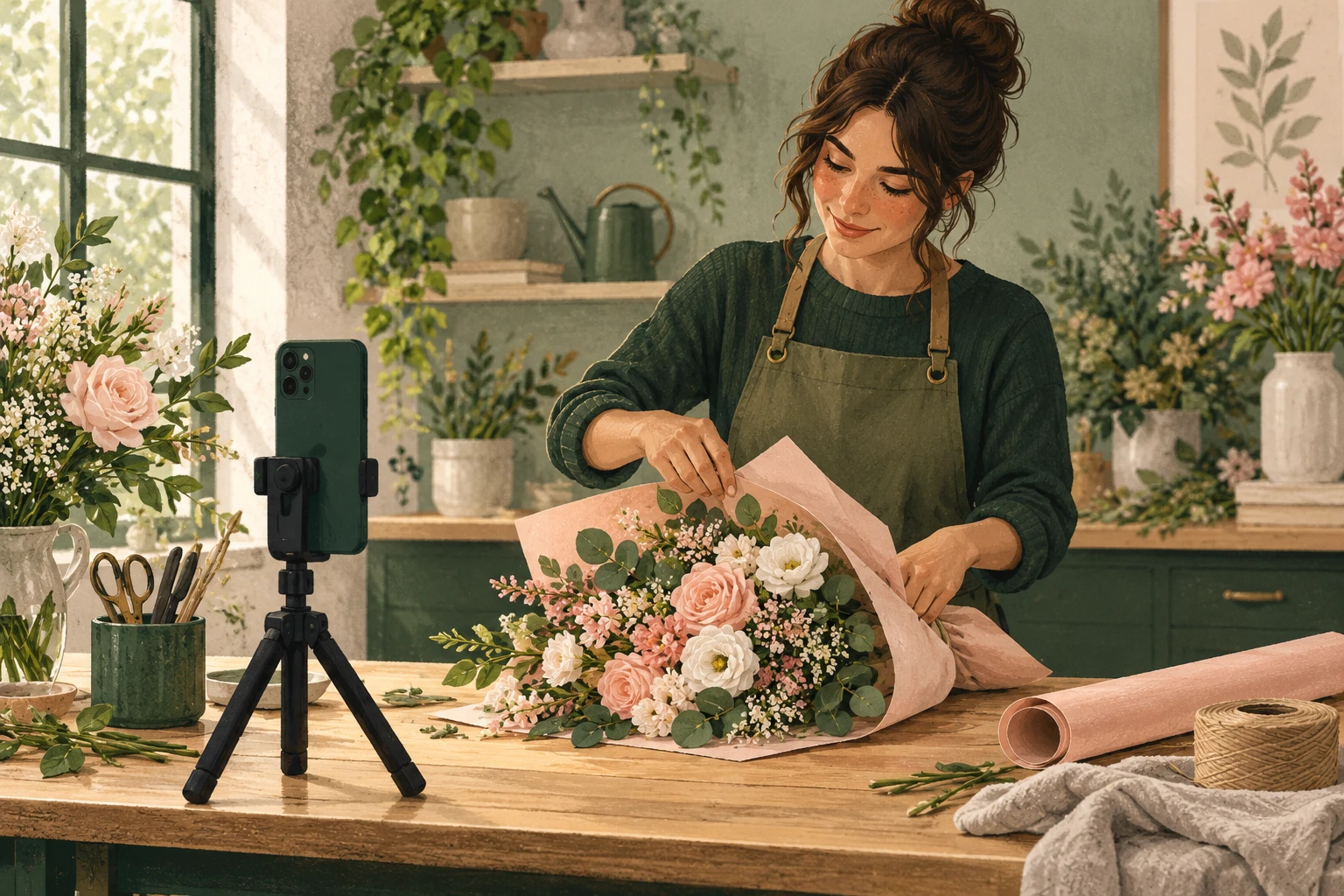
Facebook reel length no longer has a fixed cap in Meta’s updated video publishing experience. A two-minute demonstration can therefore be a Reel; cutting it to 90 seconds is not a universal requirement. The harder decision is how much time your viewer needs.
For a business, that decision affects whether someone understands the product, learns the technique, or leaves with an unanswered question. Start with the current upload rules, then choose a length that lets the video deliver its promise.
How long can a Facebook Reel be now?
In its announcement about Facebook video publishing, Meta said new videos would be shared as Reels without length or format restrictions. It announced the change in June 2025 as a gradual global rollout for profiles and Pages.
That explains why older advice can conflict with what you see today. A guide that treats 90 seconds as the maximum for every Facebook Reel does not describe the updated experience. A longer video does not automatically stop being a Reel simply because it passes that point.
Check the uploader you actually use before changing your edit. If an app or scheduling tool rejects a file, read its current requirements and the specific error. Keep the original export while investigating. Meta’s broader publishing change does not establish that every third-party tool accepts identical files.
This guidance concerns ordinary Facebook video posts. Advertising placements and other platforms have their own requirements, so check those separately when repurposing footage.
Choose the viewer’s task before choosing the duration
Write one sentence describing what the viewer should get: “See the finished arrangement,” “Learn this wrapping technique,” or “Understand which bouquet to order.” These are different videos, even when they use the same flowers.
A finished-product reveal can end once the viewer has seen the details that matter. A demonstration needs enough time to follow the movement. An ordering explanation may need extra context about sizes or options. Give each job the time it needs.
Make a rough edit before imposing a number. Watch it once and mark where the promised answer becomes complete. Everything after that point needs a reason to stay. Everything before it should help the viewer understand what is happening.
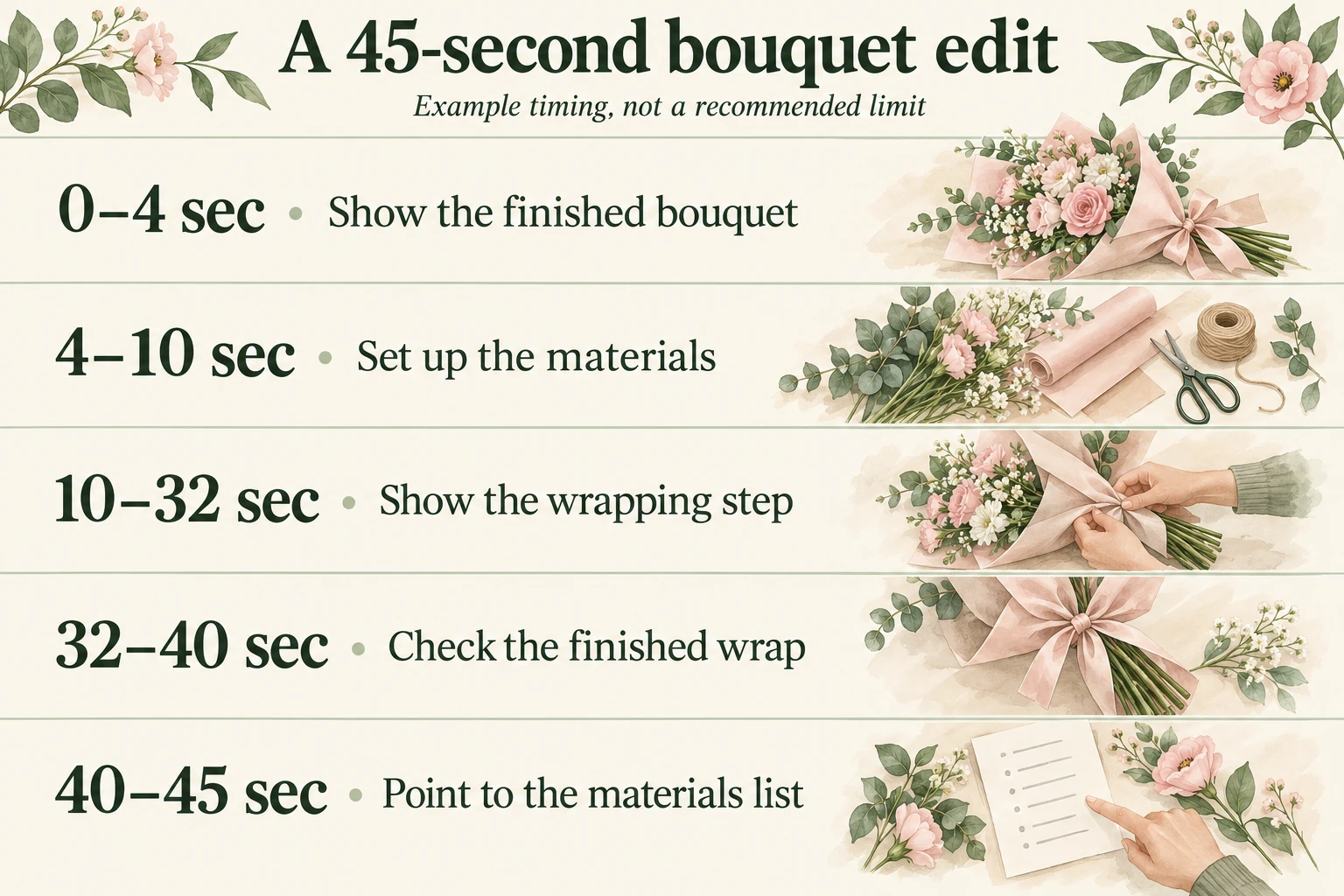
A worked example: a 45-second bouquet edit
Imagine a florist has filmed several minutes of wrapping a bouquet. The Reel promises to show one wrapping step, rather than teach flower selection, arrangement, and presentation together. Here is an illustrative edit, not a universal recommendation for the best duration.
- 0–4 seconds: show the finished bouquet. Begin with the result and a plain description of what the viewer will learn. Skip a separate logo introduction.
- 4–10 seconds: set up the materials. Show the bouquet and wrapping paper already within reach. Put the materials list in the caption instead of reading every item aloud.
- 10–32 seconds: show the wrapping step. Keep the important hand movement visible at a pace someone can follow. Remove pauses spent searching for supplies; preserve the part that explains the technique.
- 32–40 seconds: check the finished wrap. Turn the bouquet so viewers can see the result. A clear close-up can resolve a question that another spoken sentence would not.
- 40–45 seconds: point to the materials list. Give the next step briefly, then stop. There is no need for a second introduction or a repeated summary.
The timing follows this particular explanation. If the wrapping step needs another ten seconds to remain understandable, keep them. If it is clear sooner, finish sooner. The useful lesson is deciding which moments carry information.
What to shorten, and what to leave alone
Cut repeated greetings, duplicated instructions, long searches for an item, and decorative shots that interrupt the demonstration. Be more careful with pauses that let someone inspect a result or read a label. Those seconds may be doing useful work.
Before publishing, watch the export on a phone. Can you see the hands clearly? Does a caption cover the action? Is a spoken instruction understandable without replaying it? A cramped crop or rushed explanation can make a short video feel harder to follow than a longer one.
Do a second pass with the sound off. The opening text should explain the task, and captions should carry essential spoken instructions. Then replay any instruction that refers to “this” or “here,” checking that the matching action is clear on screen. These checks help you find missing context before deciding that a shorter version is ready to share with a new audience.
After publishing, review the viewing data available for that post alongside the questions people ask. If viewers repeatedly ask how the wrap closes, the next edit may need a clearer close-up. If viewing drops during unrelated setup, that section is a reasonable place to investigate. A drop alone does not tell you its cause.
Compare videos that serve similar purposes. A quick product reveal and a detailed lesson ask for different levels of attention. Keep notes on the promise, length, opening shot, and any promotion, so you can interpret changes without crediting duration alone.
Give a useful Reel a clear next step
Once the edit answers its question, decide what interested viewers can do next. For the florist, that might mean reading the materials list or visiting the profile for ordering details. Make that destination easy to find and consistent with the video.
If you choose to buy Facebook views for a finished demonstration or seasonal offer, Boost Social Media supports public videos and Reels. The service adds ordered views to the selected video, which can support a campaign focused on increasing its view count. Prepare the content and next step first, then assess watch time, relevant questions, and inquiries separately.
Before the upload, check the intended audience setting, preview the opening, and watch the ending. Save the original footage and your final export. When the video teaches what it promised and the next step is clear, its length has a purpose. Use that as your editing decision, rather than forcing every idea into the same number of seconds.