
Someone watches your Reel, taps your username, and lands on your profile. What should they open next? If your most useful introduction is buried beneath months of posts, that visitor has to work out where to start.
Instagram pinned posts let you keep selected posts or Reels at the top of your profile. They can introduce your work, answer a common question, or highlight a current offer. Choosing them well gives new visitors a clearer reason to explore your account and decide whether to follow.
How to pin and unpin a post on Instagram
Start with a post you have already published. In the Instagram app:
- Go to your profile and open the post or Reel you want to feature.
- Tap its three-dot menu and choose the option to pin it to your profile.
- Return to your profile and check that the post appears at the top with a pin indicator.
To remove the pin, open that post again and use the unpin option in the same menu. Unpinning removes its featured placement; you do not need to delete the post.
Meta’s introduction to profile pinning describes this basic route. Menu wording can change, so look for the profile-pinning action rather than expecting every tutorial screenshot to match your app exactly.
Can you pin three posts or six?
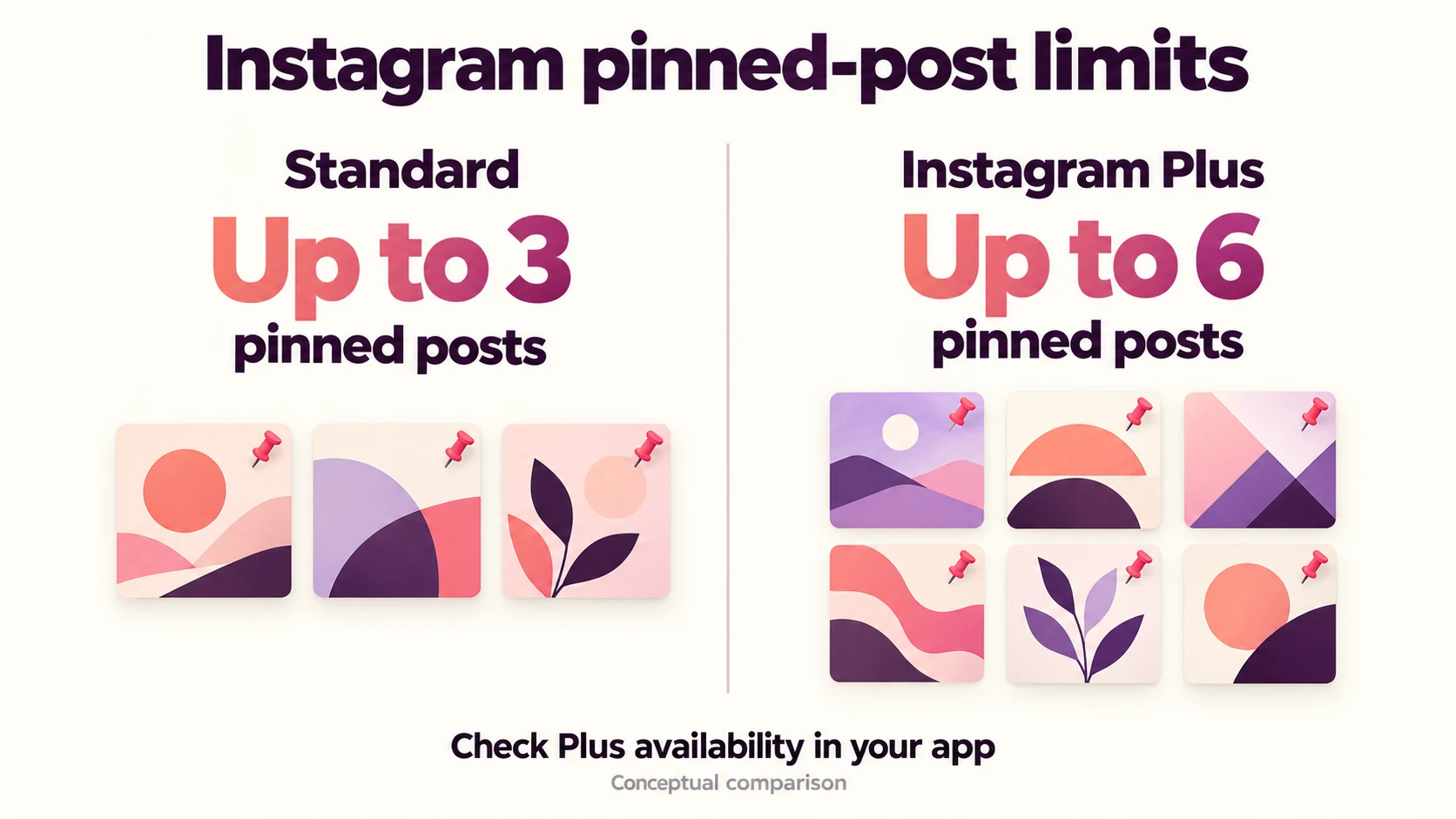
The standard allowance is three pinned posts. Instagram Plus, an optional paid subscription, supports up to six, according to Meta’s June 2026 announcement. Check the options available in your own app before planning around the larger allowance.
Older guides often describe three as a universal maximum. That advice now needs the Plus qualification. You also do not have to fill every available position. Two helpful posts can give a visitor a better introduction than six overlapping announcements.
Choose a post by the question it answers
Look at your profile as someone who has never heard of you. Your bio gives them a short description. Your pinned content should help them decide whether that description fits what they need.
Consider a guitar teacher with four possible posts. This is an illustrative example, not a customer result:
- A funny practice Reel: It received the most likes, but says little about the lessons available.
- A first-lesson walkthrough: It shows what beginners will practice and whether they need their own guitar.
- A short teaching demonstration: It explains one chord change slowly enough for a beginner to try.
- A discounted workshop announcement: It includes a registration deadline that has already passed.
The walkthrough deserves consideration because it removes uncertainty. The demonstration lets someone judge the teaching style. The expired announcement should lose its prominent position: it sends interested visitors toward an offer they cannot use.
The funny Reel may still be worth featuring if humor is central to the teacher’s approach. Its like count alone does not make that decision. If those reactions came from people who enjoyed the joke, the Reel may tell a new student less than the quieter lesson walkthrough.
Before pinning anything, finish this sentence: “After opening this post, a new visitor will know…” A useful answer might be who your service suits, how your process works, or what they can try today. If two candidates produce the same answer, choose the clearer one.
Make the first screen easy to understand
A good pinned post can still be overlooked if its cover is confusing. Read the profile grid at phone size. Can you recognize the subject without opening the caption? Keep essential cover text short and away from edges, then check how Instagram actually displays it.
For the guitar teacher, “Your First Lesson” is more useful than “Big Announcement.” A frame showing the chord demonstration gives another post a different purpose. Avoid relying on a single image spread across several tiles; each post should make sense when opened on its own.
This preparation also matters when promoting your account. If you plan to buy Instagram followers online, first give profile visitors useful content to explore. Boost Social Media offers follower packages, while your pinned posts explain what the account offers. A follower count does not tell you whether people understood the lesson, asked a question, or booked a session; assess those actions separately.
Pinning controls what visitors see on your profile. It is not a promise of more distribution in other people’s feeds. Think about the questions that arrive after someone visits: do they understand what you offer, or do they keep asking for information already hidden in an older post? Those questions can help you choose your next pin. If you change several parts of your promotion at once, avoid crediting a change in inquiries to the pinned posts alone.
Replace a pin when its job changes
Set a review reminder when you pin anything with a deadline, price, or availability claim. For the guitar teacher, the workshop registration deadline is the moment to review the announcement, even if the post still gets likes.
If a new workshop opens, pin the current details. If there is no replacement event, feature the lesson walkthrough instead. You are choosing what deserves attention now, rather than keeping an old campaign at the front indefinitely.
For evergreen posts, review the information when your offer changes. A walkthrough that mentions equipment you no longer provide needs an update before it becomes your introduction to another prospective student.
If the pin option is missing
First, check that you opened your own published post and are viewing the correct account. Review how many posts you have already pinned, and check for an app update. Avoid deleting content just to troubleshoot a missing menu item.
If you still cannot find the control, consult Instagram’s in-app help. Account features and menus can vary; an older screenshot is not proof that your account should display the same options.
Once your choices are in place, revisit the profile as a new reader. Open each pin and follow its suggested next step. Fix any expired details or unclear directions you find before promoting it.