
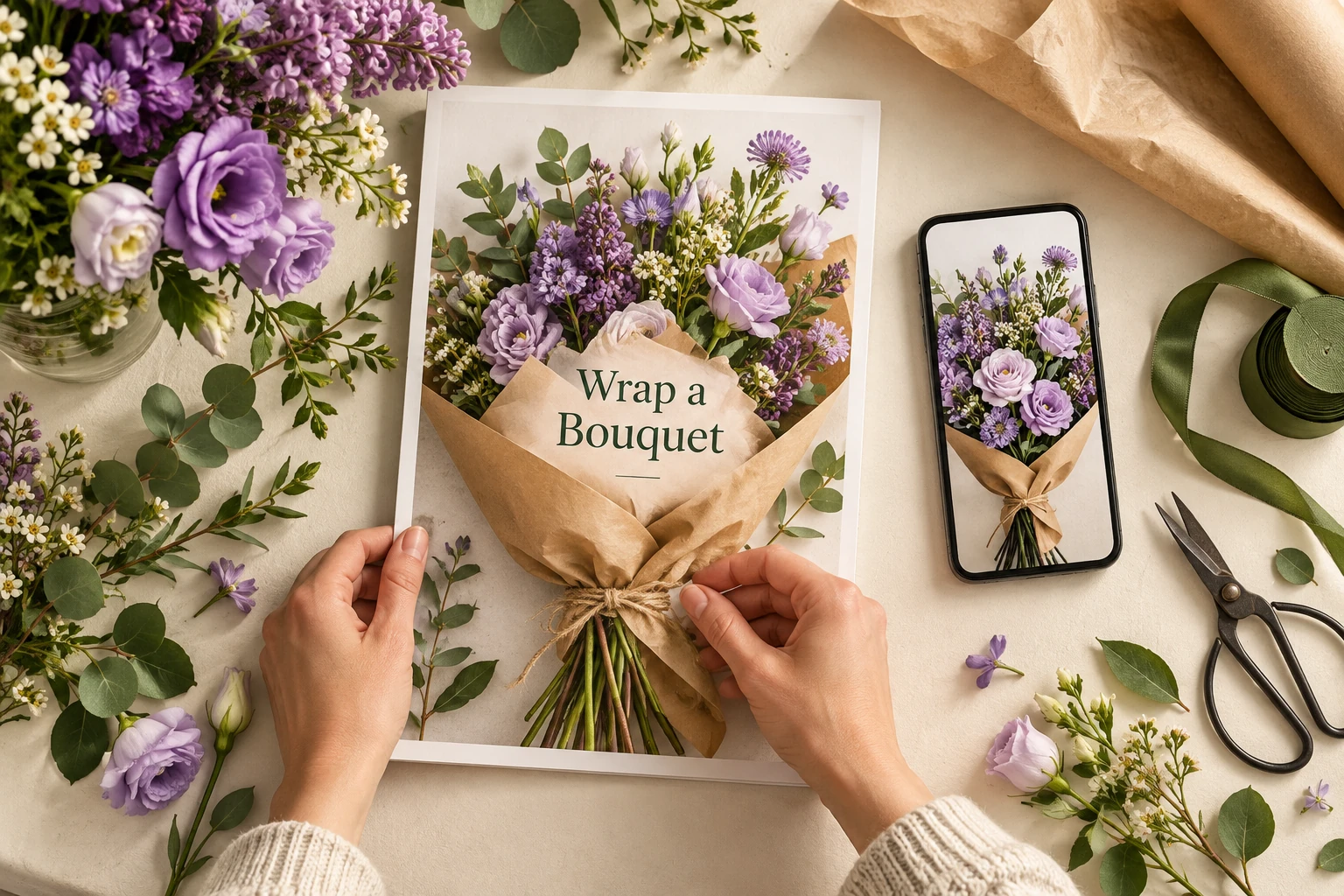
Instagram’s recommended Reel cover size is 420 × 654 pixels, according to its Help Center. For designing a cover, we suggest keeping an editable 1080 × 1920 pixel master. That larger, vertical canvas gives you room to rearrange the title and subject before checking the crop in Instagram.
The distinction matters. A file can have the right dimensions while its most useful words disappear in a smaller preview. Your cover needs to tell someone what the video offers, even when they see only a thumbnail.
Understand which size you are choosing
The Instagram Help Center lists 420 × 654 pixels, or a 1:1.55 aspect ratio, as its cover recommendation. Our suggested 1080 × 1920 working canvas has a 9:16 ratio. These are different proportions, so fitting one into the other without adjusting the composition can change what remains visible.
Use the larger canvas as your editable source, then inspect the cover in the publishing workflow you actually use. Keep the subject and essential text together, with space around them. If the preview cuts something important, move those elements inward or simplify the design.
Publishing tools can introduce another specification. Meta’s API documentation recommends 9:16 covers for Reels published through that API. This is guidance for that publishing route; it does not establish one universal crop for every profile or app screen. Follow your tool’s requirements and review its output.
A template’s safe-zone overlay can help you plan, but it should remain a starting point. Check the preview available in your own account before publishing instead of assuming a fixed box protects every design everywhere.
Keep the original photograph as well as the editable design file. Stretching a small image to fill a larger canvas can make edges and lettering look soft. If the source photo is blurry, choose a sharper frame or take another picture. Export a test, open it on your phone, and inspect the title and main subject carefully before selecting it as your cover.
Give the cover one clear job
Decide what viewers should understand before they press play. For a tutorial, name the task. For a product demonstration, show the product doing something useful. A cover for a bouquet-wrapping lesson should make the flowers and wrapping technique recognizable.
Keep the wording short enough to read without enlarging the image. “Wrap a Bouquet” identifies a lesson. “You Need to See This” uses similar space while withholding the subject. Choose the phrase that helps the right person recognize something they want to learn.
Place text against a quiet part of the picture or a simple background shape. Thin lettering over leaves, patterned fabric, or a busy workbench can look attractive at full size and become difficult to read when reduced.
Brand colors and typefaces can connect a series, but each cover still needs its own subject. If every tile says “Tips,” someone scanning your profile has to open several videos to find the one they need.
Work through a bouquet tutorial
Imagine a florist preparing a short lesson on wrapping flowers in kraft paper. This hypothetical example uses one photograph, a short title, and two arrangements of the same basic elements.
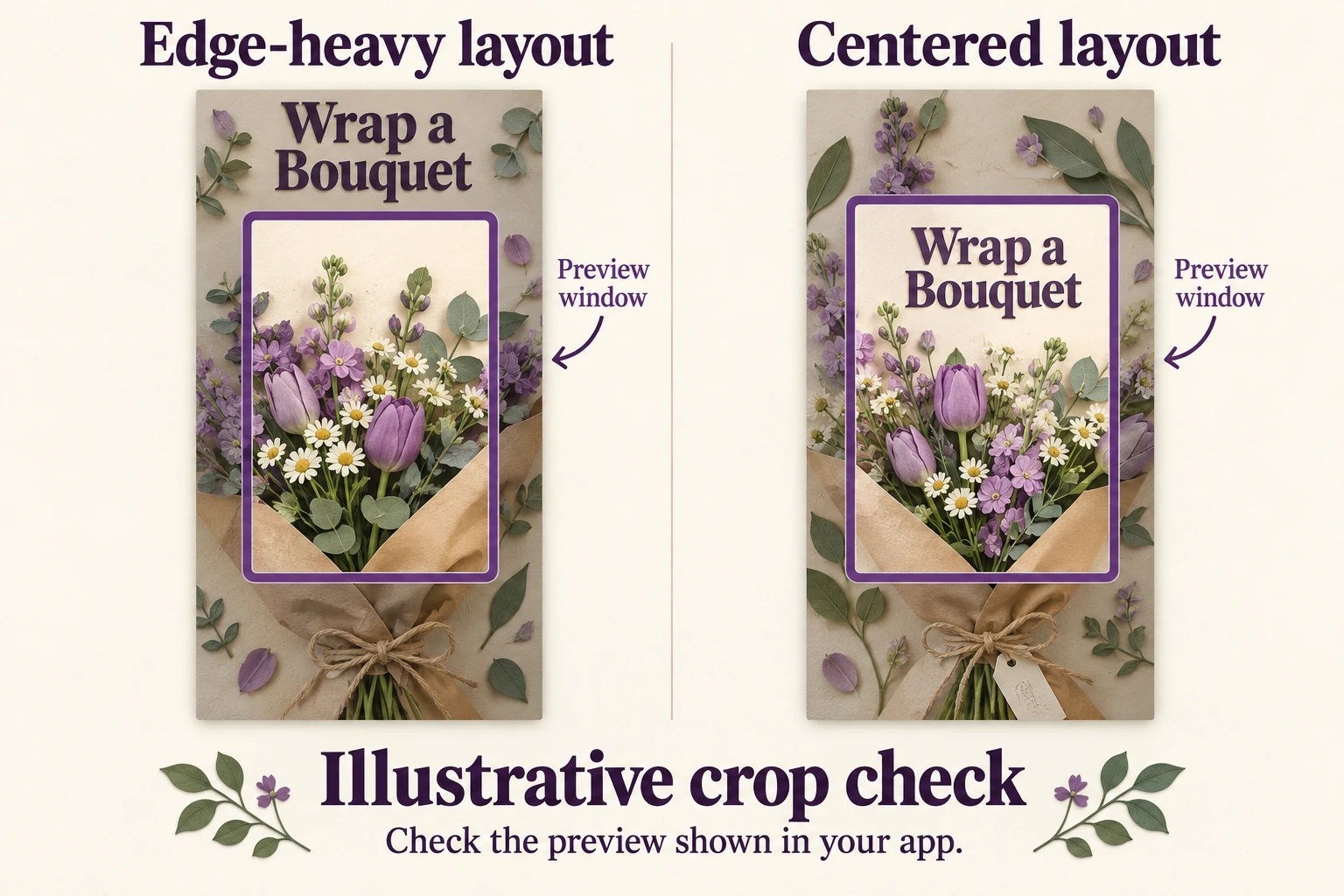
In the first layout, “Wrap a Bouquet” sits near the top edge. The finished flowers fill the middle, while the paper folds sit below. A tighter preview can retain the flowers but lose the title, leaving viewers unsure whether this is a tutorial or a product announcement.
For the second layout, bring the title closer to the bouquet and keep the folded paper visible beneath it. Remove decorative details that compete with those elements. The composition now places the lesson’s subject and its label together.
The comparison illustration shows this principle through an example preview window. It is not a screenshot or an exact Instagram crop template. Use it to see why moving essential information inward helps, then test your actual artwork in the app.
Check the image without reading its caption. Can you identify both the flowers and the wrapping task? If the cover only communicates “flowers,” change the photograph or wording before spending time on decorative finishing touches.
Check three things before publishing
- Readability: view the cover at a small size on your phone. Read the title without zooming. If it feels cramped, shorten the phrase or remove a secondary line.
- Cropping: inspect the available cover and profile previews in your publishing flow. Look for clipped letters, missing product details, and a subject pushed against an edge. Adjust using the controls your account provides.
- Opening frame: play the video from the beginning. The lesson should make sense immediately, including when someone encounters playback without first studying the cover.
For the florist, a useful opening might show the finished wrapped bouquet before the hands begin folding paper. This connects the cover’s promise to the demonstration. A long logo animation would postpone the information the viewer came to see.
Finalize the cover before posting. Editing options can differ, and Instagram’s current Help Center guidance says covers cannot be edited after upload. Keep your editable original so you can make corrections before publication without rebuilding the design.
Prepare the Reel for its next audience
Save a reusable layout with movable text and a replaceable photograph. For the florist’s next lesson, “Tie a Ribbon” should have its own relevant image, even if the colors and lettering stay consistent. Review each new composition rather than treating the template as automatically finished.
If you are still assembling the video, our guide to making a Reel on Instagram covers the broader creation process. Return to the cover after choosing the footage so its promise matches what the viewer receives.
If you plan to buy Instagram Reel views, Boost Social Media lets you select an eligible public Reel for those views. Prepare its cover and opening first so the video clearly introduces its subject. The service concerns that Reel’s view count; assess watch time, follows, and inquiries separately. A clear cover helps people recognize the topic, while the video must give them a reason to keep watching.