
How to Add Captions to Instagram Reels and Check Them Properly
Captions put the words you speak in a reel on the screen, so people can follow along with the sound off and viewers who are deaf or hard of hearing are not left out. Instagram can generate captions from the audio while you edit a reel. Treat what it produces as a first draft: the software hears sounds, not your intention, and one wrong word can flip the meaning of a sentence.
This guide covers where to switch captions on, what to check beyond spelling, and a two-pass review that takes a couple of minutes per reel.
Turn on captions while you edit the reel
Open the reel editor after recording or uploading your clip and look for the captions option. Depending on your app version, Instagram has offered generated captions as a captions sticker or as a captions button in the editing tools. Tap it, give it a moment to process the audio, and the text appears on the video.
Tap the caption text to correct words and adjust the style. Controls differ between app versions and accounts, so use the options your editor actually shows. Instagram’s help center keeps a page on managing reels and video captions, which also explains how viewers can choose to watch videos with captions.
If your reel has music over a voice, or two people talking at once, expect more mistakes. Clear audio is the best way to get usable captions on the first try.
If you already edit your videos in another app, you can add captions there and upload the finished reel instead. Whichever tool you use, the checks below stay the same, because every captioning tool can mishear a word.
Check the meaning before the spelling
A spelling mistake is embarrassing. A meaning mistake can mislead. The most dangerous errors are small words that reverse a sentence: “can” heard as “can’t,” “now” written as “not,” a dropped “don’t.” Read each line and ask whether it says what you meant, not only whether the words are real words.
Names are the second weak spot. Product names, brand names, people’s names, and place names are often replaced with the nearest common word. If you mention a product called “Lumi Glow” in this example, check that it does not appear as “loomy glow” three times in a row.
Slang and inside jokes deserve a look too. If a phrase only makes sense with your tone of voice, a viewer reading it muted may take it literally.
Check every number and unit
Numbers are easy to mishear and expensive to get wrong. “Fifteen” and “fifty” sound alike, and a recipe that says 50 grams of salt instead of 15 is a real problem. Check prices, dates, measurements, and step counts against what you meant to say.
Decide how you want numbers to look and keep it consistent. Generated captions may write some numbers as words and others as digits within the same reel. Digits are usually faster to read on a phone, especially for quantities and prices.
Units matter as much as the number. “Two cups” should not become “too cups,” and “minutes” should not quietly become “seconds.”
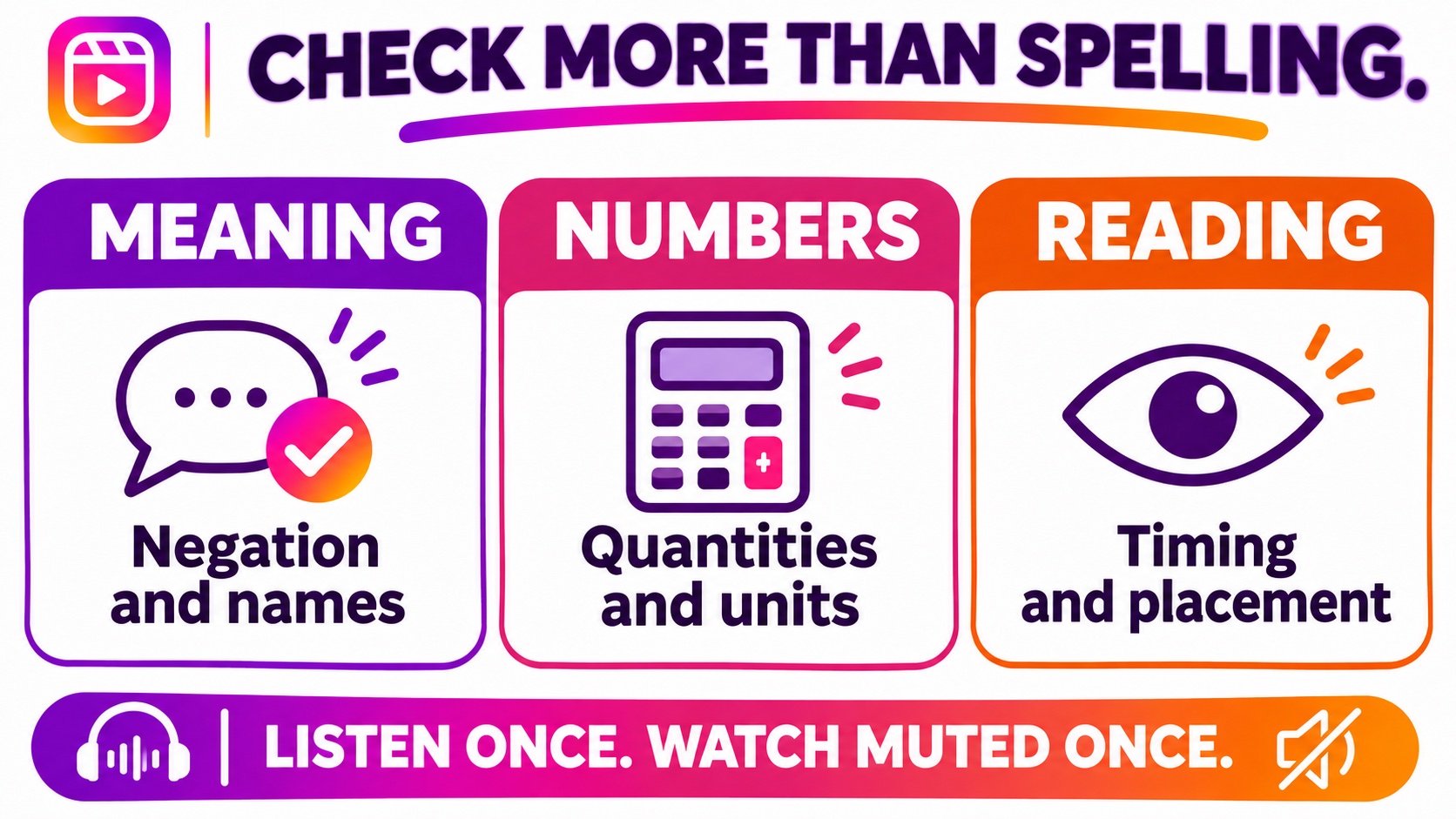
Check timing and placement
A correct line shown at the wrong moment still confuses people. Play the reel and watch whether each line appears while that sentence is spoken. If a caption lingers into the next shot, or shows a punchline before you say it, adjust it.
Then look at where the text sits. Captions should not cover your face, the product you are demonstrating, or text that is already part of the video. Keep them clear of the bottom of the screen, where the reel’s own caption, username, and buttons appear for viewers.
Check the size on an actual phone. Text that looks fine on a large preview can be hard to read at arm’s length, especially in a fast edit.
Keep each line short. Two short lines that change with your speech are easier to follow than one long block that fills half the screen. If a sentence runs long, split it at a natural pause.
Listen once, watch muted once
This simple routine catches most problems. On the first pass, play the reel with sound and read along. Every time the captions and your voice disagree, pause and fix the line.
On the second pass, mute the phone and watch the reel as a stranger would. Can you follow the point using the captions alone? Is there a moment where the text runs too fast to read, or where a missing word leaves a gap? Fix those spots, then save.
If you post often, ask a colleague to do the muted pass. Fresh eyes notice a confusing line that you read correctly because you already know what you meant.
Do not confuse captions with the post caption
On Instagram, “caption” means two different things. The on-screen captions transcribe your speech inside the video. The post caption is the text that appears below the reel, where you add context, a question, or hashtags.
Write the post caption separately. Repeating every spoken word below the reel adds little. Use that space for what the video cannot show: a link to the full recipe in your bio, the product name spelled correctly, or the one question you want viewers to answer in the comments.
Promote the reel once the captions are right
Fix the captions before you put any effort into reach. If you decide to buy Instagram Reels views, choose the public reel, the quantity, and the total price before checkout. Boost’s package adds to that reel’s view count; it does not correct captions, measure watch time, or guarantee that Instagram will recommend the reel.
A reel that reads well with the sound off works for more of the people who see it. Listen once, watch muted once, and post the version that says what you meant.