
Instagram doesn’t have a feed of random Lives you can scroll through. There is no Live tab, no “live now” page and no search filter for broadcasts. To find Lives from accounts you don’t follow, you have to go through the accounts themselves: find creators who go live, open their profiles while they are broadcasting, or follow them and switch on live alerts.
Why there is no random Live feed
Lives from accounts you follow appear at the front of your Stories bar, but Lives from everyone else only reach you if Instagram happens to recommend them. There is no place in the app that lists all current broadcasts.
Ways to find Lives from accounts you don’t follow
1. Search for creators who go live often
Think of the topics you’d watch live: music, fitness, gaming, cooking, Q&As with creators. Search those topics, open the profiles of accounts that post about them, and look at their pinned posts and highlights. Creators who go live regularly usually say so there.
2. Check the profile while they are live
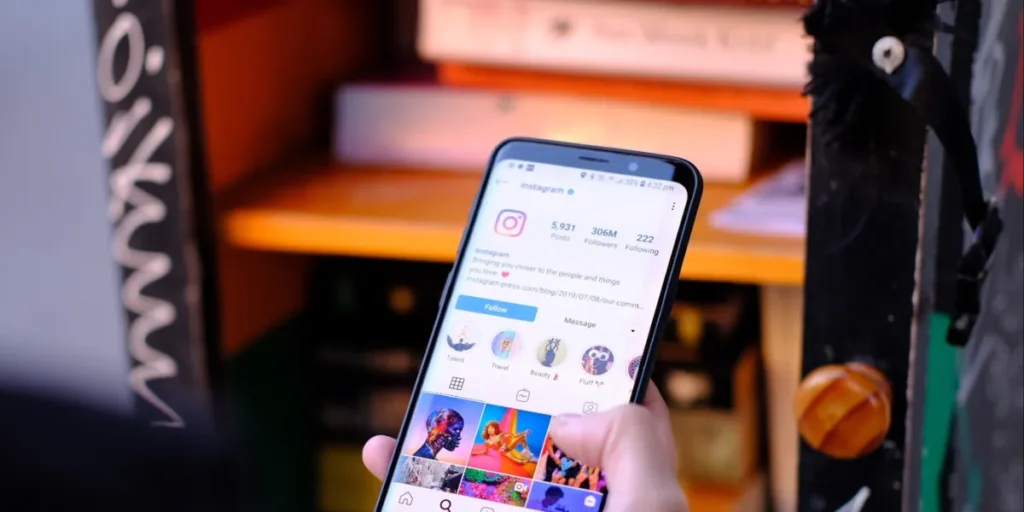
You don’t need to follow a public account to watch its Live. Search the username and open the profile. While the account is broadcasting, its profile picture carries a LIVE label; tap it to join. Private accounts are the exception: their Lives are for approved followers only.
3. Watch for scheduled Lives
Creators can schedule a Live in advance and post an announcement. When you see one, tap the option to be reminded, and Instagram notifies you when the broadcast starts.
4. Follow and turn on live alerts
Following an account puts its Lives at the front of your Stories bar. For alerts, open the profile, tap the bell icon, choose Live videos and select All notifications. Then you get an alert whenever that account starts a Live.
5. Keep an eye on your recommendations
Instagram sometimes recommends content from accounts you don’t follow in Explore and Reels. If an account there looks interesting and goes live often, follow it, and its future Lives will show up in your Stories bar.
Be careful with “Instagram live finder” sites
Some websites and apps promise a list of everyone who is live on Instagram. Instagram doesn’t offer that data publicly, so be cautious, and never enter your Instagram password on a third-party site. A login page that isn’t instagram.com is a common way accounts get stolen.
Joining a Live you found
Tap the profile picture with the LIVE label to join. You can comment and send hearts, and the host can see that you are watching. To appear on screen, the host has to invite you as a guest, and you have to accept.
For more on the Lives of accounts you already follow, including notifications and replays, see how to see who’s live on Instagram. If you go live yourself and want a fuller room, our Instagram Live views service adds viewers to the broadcast you choose.
FAQ
Is there a way to scroll through random Instagram Lives?
No. Instagram doesn’t have a live feed or a Live tab. You find Lives through the accounts that host them.
Can I watch someone’s Instagram Live without following them?
Yes, if the account is public. Open the profile while they are live and tap the profile picture.
Can I search Instagram for Lives by topic?
Not directly. Search the topic, find accounts that post about it, and check their profiles or follow them to see their Lives.
Can I watch an Instagram Live after it ends?
Only if the host shares it as a replay on their profile.
Why do I only see Lives from people I follow?
Because the Stories bar, where Lives appear, only shows accounts you follow. Lives from other accounts reach you only through recommendations or by visiting their profiles.