
Facebook Comment Ranking: How to Change the Order

A customer says they left a question on your Facebook post, but you cannot find it among the first few replies. Before assuming it disappeared, check the comment order. Facebook comment ranking can put a popular discussion above a newer question, so two people may see a different starting point.
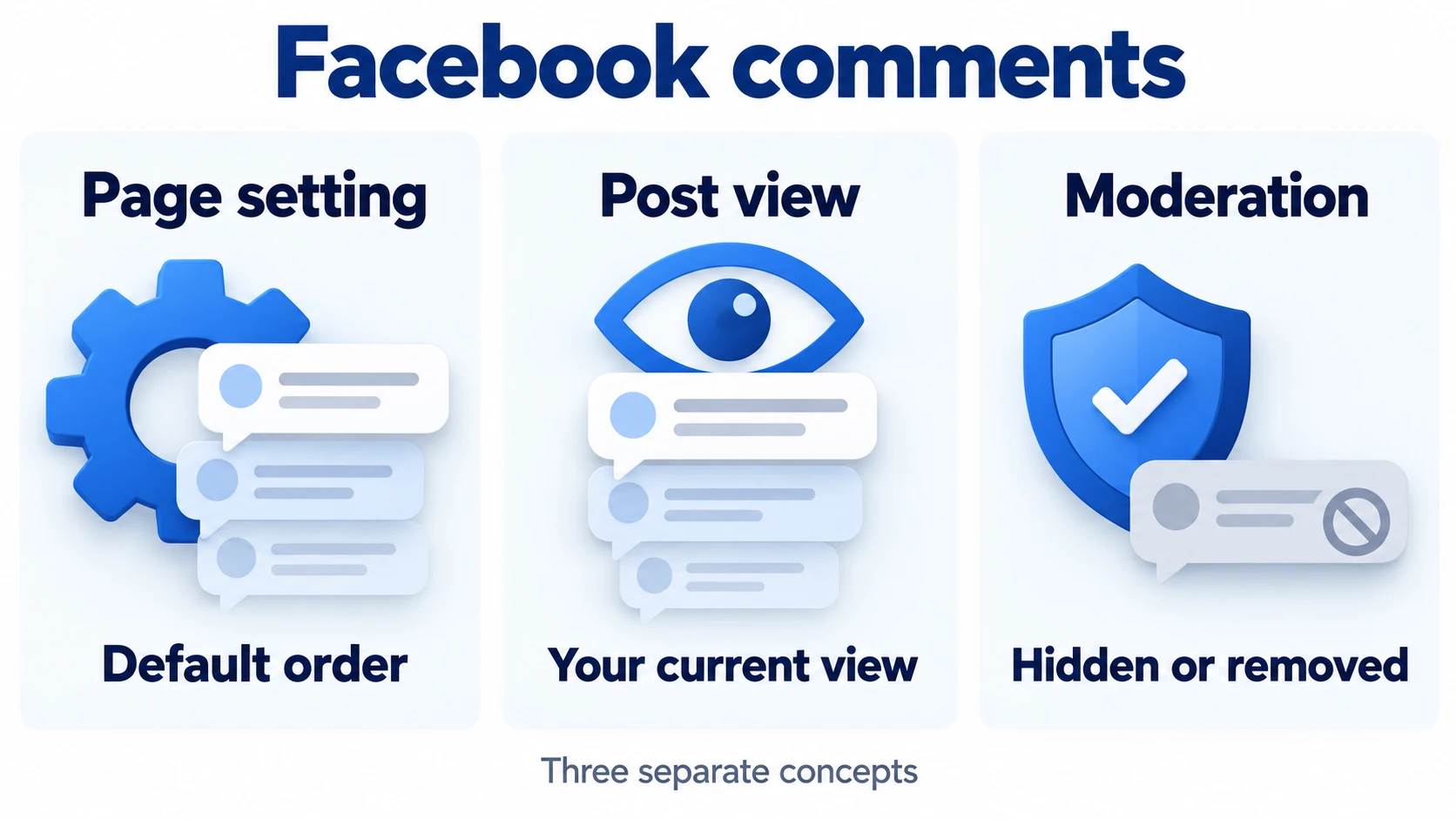
You have three separate controls to understand: the view you select on a post, the default ranking setting for a Page you manage, and moderation actions that hide or remove comments. Changing one does not automatically change the others.
What Facebook comment ranking does
Facebook estimates which comments will interest each reader and arranges them accordingly. Its explanation of ranked comments describes signals including a comment’s relevance to the post, its popularity, and the viewer’s activity. Your own comments, friends’ comments, or the author’s comments may receive prominent placement.
For a business, that makes the discussion part of the post’s first impression. A useful answer about delivery or product compatibility can help someone who has the same question. However, the most visible reply is not necessarily the newest, and a high comment count does not tell you whether customer questions have been answered.
Choose the view that matches your task
Open the post and find the current ordering label near its comments. You may need to expand the comment section first. Facebook’s comment-order guide distinguishes these options:
- Most relevant prioritizes comments Facebook considers relevant to you, including friends’ comments and discussions with engagement.
- Newest comments puts newer comments first. Use it when checking incoming questions during an announcement or event.
- All comments includes potential spam, with the most relevant comments still appearing first. It is not a chronological view.
Your selection changes your view of that thread. It does not set the order for everyone else, and Facebook says the change is not permanent. Available options can differ between Pages and profiles. Check the label again when you return instead of assuming yesterday’s choice stayed in place.
Change the default for a Page you manage
To change a Page’s ranking setting, you need Facebook access to that Page. Task access alone does not let you manage comment ranking. On a computer, follow Facebook’s Page instructions:
- Use your profile picture menu, choose See all profiles, and switch into the correct Page.
- Open the Page’s profile picture menu, then Settings & privacy and Settings.
- Select Followers and public content.
- Find Show most relevant comments first and switch it on or off.
With ranking off, the Page displays comments in most recent order by default. Facebook Live is an exception: its comments remain ranked regardless of the Page setting.
Choose the default around how you manage conversations. During a registration deadline, reviewing new questions first may be useful. For a busy discussion that remains relevant for weeks, ranked comments can help readers find prominent exchanges. Neither choice replaces checking unanswered replies.
Before changing it, tell anyone else who handles the Page what you are testing. Keep that routine for several posts, and note whether questions are easier to find. Do not attribute changes in sales or reach to sorting alone; the specific post topic, timing, and other promotion can change at the same time. Review the conversation before drawing conclusions.
Why a personal profile may behave differently
Do not assume a profile offers every Page control. Meta’s ranking documentation says profiles with a large number of followers cannot turn ranking off. Its profile Help article also describes a general toggle, so the published guidance is not fully aligned. If that control is unavailable, use the comment-order choices offered on the post. Check the sorting menu on each post you review; a profile setting does not control every thread you visit.
If a reply still seems to be missing
Start with the original post, select All comments where available, and expand replies beneath the relevant comment. A reply inside a conversation is easy to overlook when you are scanning only the main comments.
If you manage the Page, investigate moderation separately. According to Facebook’s guide to hiding Page comments, a hidden comment remains visible to its author and their friends while being hidden from other people. A deleted comment is removed from the post. Changing the sort order does not reverse those actions.
On supported devices, Page managers can use Hidden by this Page to inspect hidden comments and unhide one when appropriate. Facebook says ranking must be enabled to sort hidden comments, and this view is available on computers and Android. That detail matters if you switched ranking off while investigating.
Keep a short note of what you checked: the post, selected order, expanded replies, and any moderation action. It prevents a teammate from repeating the same checks or mistaking a viewing difference for a deletion.
Make the discussion useful before promoting it
Consider a hypothetical training business announcing an online workshop. One reader asks whether a recording is included; another asks which skill level the session suits. Answer each question directly. Then add any missing information to the post so later readers do not need to search the thread for basic details.
A prompt such as “Which part of the editing process slows you down?” gives people something specific to discuss. Compare that with asking for any comment simply to increase the total. The first approach gives you material for a helpful reply and a possible future tutorial.
If comments are part of a planned promotion, you can buy Facebook comments for a selected public post. The service offers random English comments or custom wording. Choose an option that fits the post, and have someone ready to answer relevant responses. An order does not guarantee where comments appear in each viewer’s thread or how far the post travels.
Afterward, review the conversation for unanswered questions and repeated confusion. Judge its usefulness by what readers can learn and what you can clarify next. A comment section earns its place when it helps someone understand the offer, use the advice, or decide what to ask.