
Instagram Reposts: How They Work and Who Sees Them
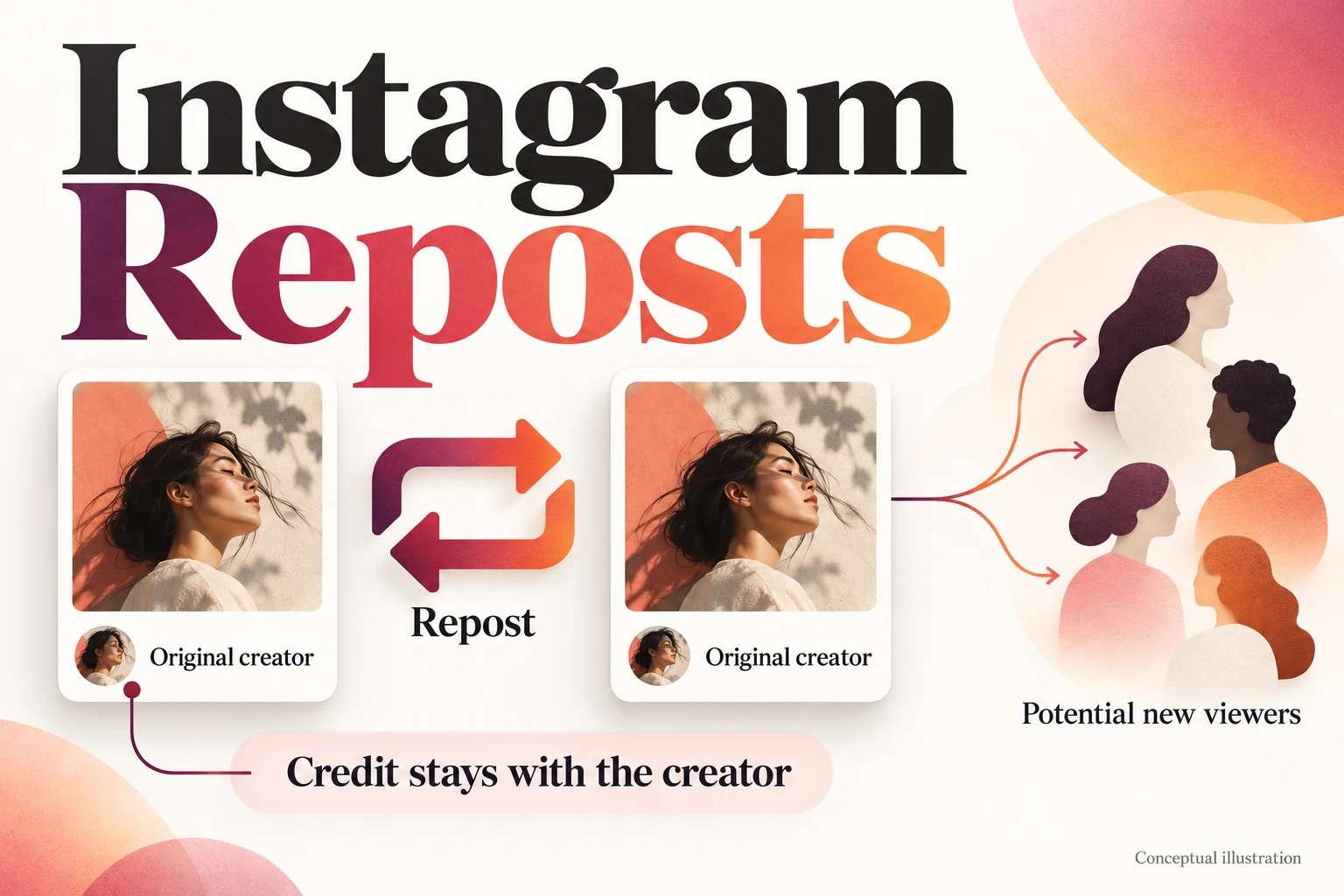
Instagram reposts let people share public Reels and feed posts while keeping credit attached to the original creator. They can help your work reach someone who has never visited your profile. The opportunity starts with understanding what a repost does and what a new viewer will find.
What happens when you repost on Instagram?
A native repost appears in a separate tab on the reposter’s profile. Instagram can also recommend it in friends’ and followers’ feeds. It gives the existing post another place to be discovered, with the original account credited.
If you are looking for something you previously reposted, check the reposts tab on your profile. For creators, that separate collection is also a reason to make each post understandable on its own. A viewer may encounter your tutorial without seeing the introduction you published earlier.
Who sees Instagram reposts?
The reposter’s followers are a possible new audience. In its announcement of Instagram reposts, Meta explains that your content may be recommended to those followers even when they do not follow you. A repost does not promise that every follower will see it.
Consider a hypothetical photographer whose lighting explanation is reposted by someone interested in portrait photography. A person encountering that explanation for the first time needs enough context to follow it: the finished portrait, the lighting choice and the effect of that choice. They should also be able to recognize who made the work.
This is where reposts can help a creator or small business. A useful answer gives someone a reason to look more closely at your work. Make that first encounter worthwhile before deciding how widely you want to promote the post.
How do you use the repost button?
Open a public Reel or feed post and tap its repost icon. To add a note, type in the thought bubble and save. Native reposts, Story shares and messages are separate sharing methods.
Our guide to reposting an Instagram Reel covers the controls and sharing options in more detail. Here, the next step is choosing content that will make sense to a new audience.
Choose a post that makes sense to a stranger
Start by looking at your content without the background knowledge you have as its creator. Can a new viewer tell what the post offers from the opening? Does it answer a complete question? Would someone need to read several earlier posts to understand it?
Choose content that explains its value without requiring someone to know your brand, then make the next step easy to find. A post that depends on an unexplained announcement or an old offer needs attention before it becomes the focus of a campaign.
Consider a hypothetical coffee roaster choosing between a delivery photograph and a brewing guide. The photograph introduces the beans. The guide answers a customer’s practical question: how to brew them at home.
The Reel could open with, “Your first brew with these beans: the recipe we use.” Show the equipment, demonstrate the recipe the roaster has tested, and make the instructions readable on a phone. Use the caption to put the full recipe in one place and invite viewers to say which brewer they use. That gives someone unfamiliar with the business a useful starting point and a specific reason to respond.
Watch the draft with the sound off. Check that your captions explain the demonstration and text stays readable on a small screen. Replace unexplained product nicknames with names a newcomer can understand.
Show the finished post to someone who was not involved in making it. Ask what they learned and what they would do next. Use their answer to find missing context before choosing the post for promotion.
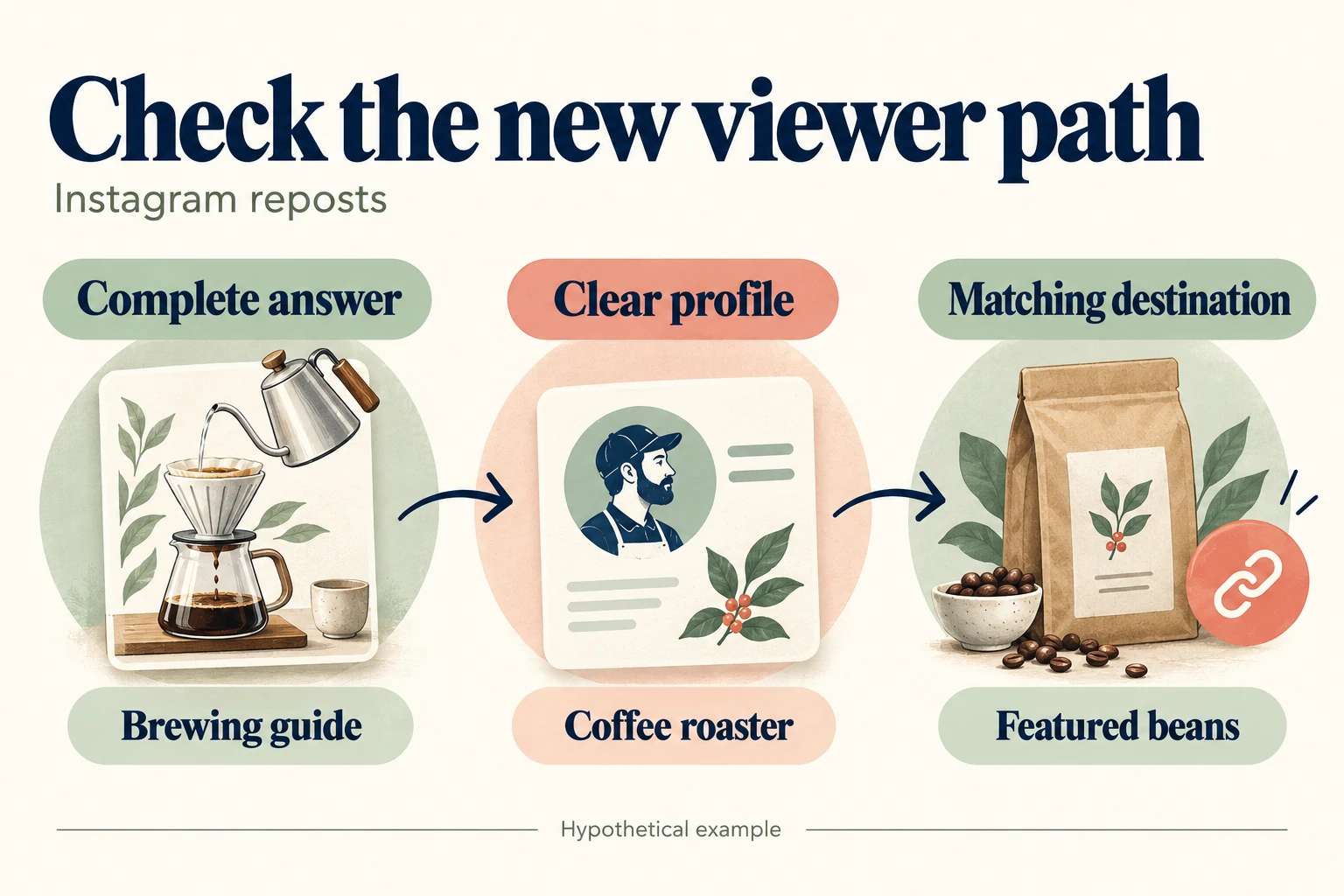
Make the next step match the post
A useful post creates an expectation. If it demonstrates a product, someone visiting your profile should be able to find that product. If it answers a question, the next step should help the reader apply the answer or ask for more detail.
Check the profile from a new visitor’s perspective. Explain what your business offers, who it helps and where it operates or ships. Use consistent product names so people can connect what they watched with what they find on your website.
For the coffee guide, the profile link might lead to the featured beans, with grind options and delivery information clearly explained. Prepare a helpful reply to likely questions about brewing equipment. This is where the campaign becomes a conversation: a viewer has something specific to ask, and the business has something useful to say.
Follow the whole path yourself on a phone, from the post to the profile and then to the website. Check that the page still opens correctly and the information promised in the post is easy to find.
Where a repost service fits
If a prepared post becomes part of a promotion, you can buy Instagram reposts for the public content you choose. Select the post that gives new viewers the clearest introduction to your work. The package specifies repost activity; the response from viewers depends on the content and the people who encounter it.
Review what happens after the repost
Record the post’s starting activity and choose a review period before the campaign begins. Look at the results available in your account alongside website visits and customer questions. Note other promotions running during that period so you have context for changes.
Keep the questions separate: was the repost activity delivered, and what response followed? Visits, inquiries and orders help you evaluate the campaign, but a change during the period does not establish which activity caused it.
Use the response to make a specific improvement. Repeated questions can reveal an explanation the post is missing. Product page visits followed by questions about options can point to information the page needs.
For your first campaign, choose one useful public post, check it through a new viewer’s eyes, and prepare the destination it points toward. Give people something worth discovering and a clear reason to continue.