
Twitter Polls: How to Create One and Ask Better Questions
Twitter polls, now called X polls, let you ask a question and give people a short list of answers. To create one, open the post composer, select the poll icon, enter your question and choices, set a duration, and publish. The more useful decision happens before you touch those controls: what will you do with the answer?
For a creator, a poll can help choose the next tutorial. For a business, it can start a conversation about a problem customers recognize. Both work better when the question is specific enough that someone can answer without asking you to explain it.
Create your first poll on X
The X Help Center’s poll instructions cover the app and desktop. For a basic text poll:
- Open the post composer and select the poll icon.
- Write the question in the main text field.
- Enter at least two answers. Add more if needed, up to four.
- Keep each answer within 25 characters.
- Choose the duration. The default is one day; the allowed range is five minutes to seven days.
- Check the question, answer order, and closing time, then publish.
Review the draft carefully. X lists polls among the post types that cannot be edited. A typo in an answer or an unclear question is worth catching before people vote.
Give people one decision to make
Imagine a freelance consultant planning an educational series. “What content do you like?” leaves too much open. A person might think about subjects, formats, or posting frequency. Even a busy poll could leave the consultant unsure what to create.
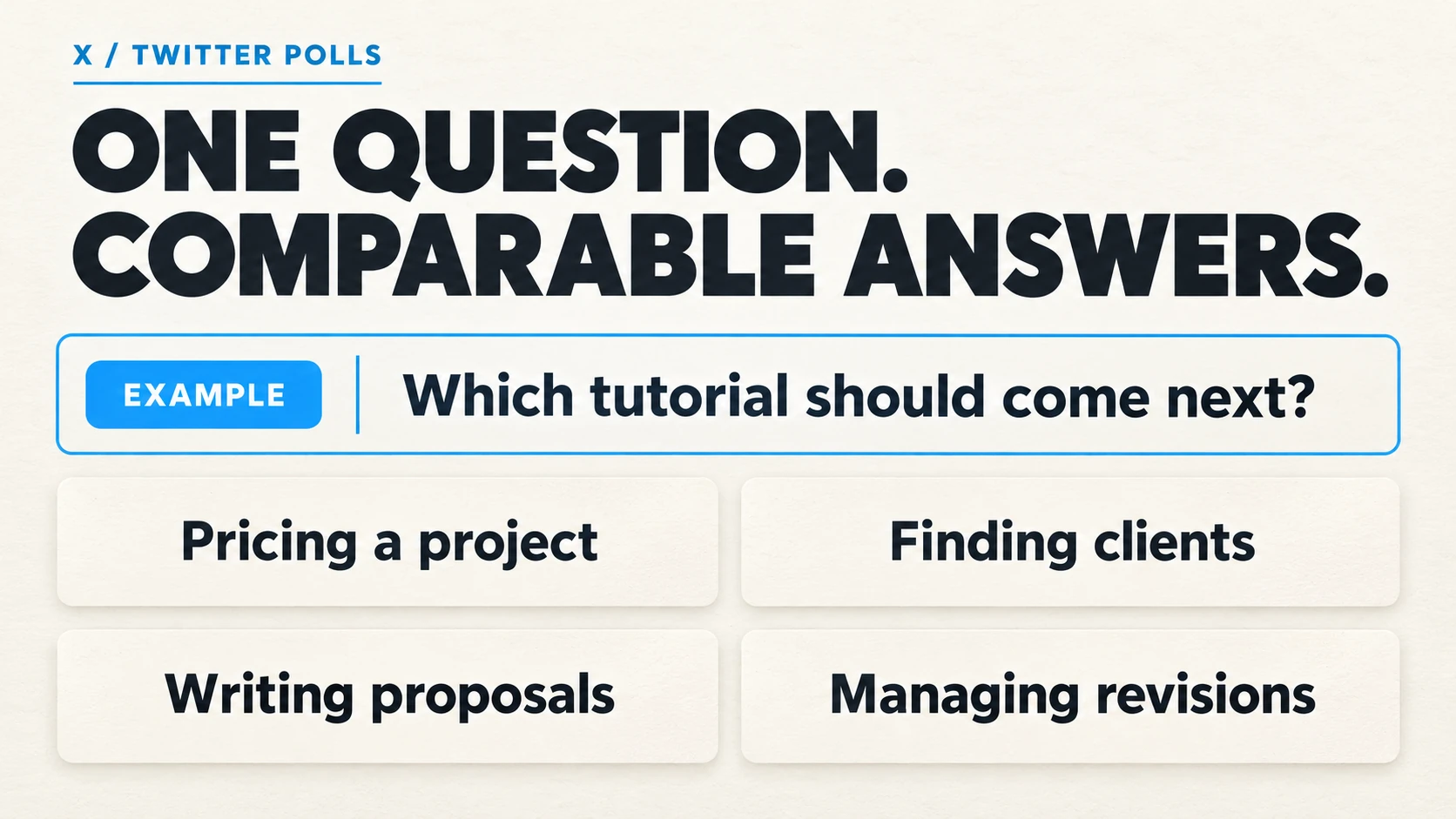
A more useful question is, “Which tutorial should come next?” Pair it with four comparable answers:
- Pricing a project
- Finding clients
- Writing proposals
- Managing revisions
Each answer names a topic. None is framed as the obviously sensible choice, and all fit within the answer limit. If the consultant needs to choose between a video and a written guide, that belongs in a separate question.
Before publishing, finish this sentence privately: “If this answer wins, I will…” If every option leads to the same action, narrow the question. You can also ask for a preference purely for conversation, but say so rather than implying that votes will determine a decision you have already made.
Write options that people can compare
Keep the answers at the same level of detail. “Marketing,” “Instagram captions,” and “Everything” overlap. A reader who wants caption advice could reasonably choose any of them. Compare specific tasks instead, such as planning posts, writing captions, or reviewing results.
Avoid putting two preferences in one option. “Short videos and live workshops” cannot tell you which format someone wanted. Likewise, “Affordable and easy” combines two qualities a customer may value differently.
Read the question with each answer aloud. Does every pairing make sense? Then check the text on a phone. You can use our X character counter while drafting; confirm the final text in X’s composer before posting.
When none of the choices covers a likely response, leave room for an “Other” option and invite a reply. That uses one of your four slots, so include it only when the missing answer would change what you do next.
Ask a colleague to answer the draft without any background explanation. If they interpret a choice differently from you, change the wording. This quick check is especially useful when your audience includes people outside your industry.
Set the deadline around the next step
A longer poll is not automatically more useful. Work backward from when you need the answer. If the consultant records a tutorial on Thursday, the poll should close early enough to prepare it.
For a global audience, consider a full day as a starting point so the invitation spans different daily routines. A question tied to an event may need a shorter window. These are planning choices, not promises about how many votes a particular duration will attract.
Tell readers when you plan to share the follow-up. “Vote today; the chosen tutorial goes up Friday” gives the question a purpose. Only make that promise if you can deliver it.
Understand what the result tells you
X allows one vote per person. After voting, participants see the current results. Their identities and individual choices are not shown to the poll creator or other participants.
Keep the total vote count beside the percentages when reviewing a result. A narrow lead with a handful of votes deserves a different level of confidence from a pattern that appears repeatedly in customer conversations. An open social poll reflects the people who encountered it and chose to respond; it does not establish what every customer wants.
Read replies for reasons the choices could not capture. Someone selecting “Pricing a project” might need help estimating time, discussing a budget, or handling extra work. Those details can turn a broad winning topic into a useful tutorial.
Where a poll votes service fits
For a promotional poll where the goal is to add votes to a chosen answer, you can buy Twitter poll votes. The service uses the public poll link and the option you select. Check that the poll will remain open long enough for delivery.
This adds activity to the selected answer; it does not add replies or extend the deadline. Keep purchased votes separate from customer preference research, because you selected where those votes would go. Distribution and audience response still need their own plan.
Turn the answer into something useful
When voting closes, return to the original question. Share the chosen tutorial, address a useful reply, or explain the decision you made. Link back to the poll so readers can follow the context. The next post should give participants a reason to feel that answering was worth their time.
For the consultant, that follow-up could be a pricing worksheet built around a question from the replies. Keep a note of the wording, duration, total votes, and what you published afterward. Next time, you can improve the question using that record instead of guessing from a percentage.