
 Instagram
Social Media Growth Guides
Free step-by-step guides for Instagram, TikTok, YouTube and Facebook: how each app works, what to post, and how to read your numbers.
188 guides · Updated October 23, 2026 · page 9
Latest guides page 9
Instagram Instagram
How to Get Someone’s Instagram Taken Down?
Anyone should be interested in learning how to quickly erase someone’s Instagram account for several reasons, including the following: There… Instagram
How to See Who’s Live on Instagram Right Now
Look at the Stories bar at the top of your feed. Accounts you follow that are live right now appear… Instagram
Why Won’t Instagram Let Me Go Live?
The most common reason is the follower rule. Since August 2025, only public accounts with at least 1,000 followers can… Instagram
How to Get a Disney Filter on Instagram
There's no Disney filter on Instagram today. On January 14, 2025 Meta removed every AR effect made by brands and…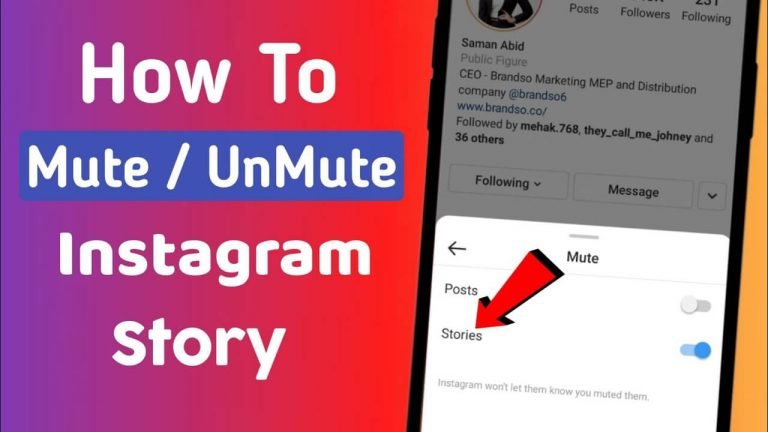 Instagram
How to Unmute Stories on Instagram
To see a muted account's Stories again, open their profile, tap Following, then Mute, and turn Stories off. You can… Instagram
Why Can’t I Comment on Instagram?
Instagram is an excellent platform for sharing photos and videos with friends. The social media platform has expanded to leaps… Instagram
How to React With Emojis on Instagram DM
Double tap a message to react with a heart. For any other emoji, press and hold the message and tap…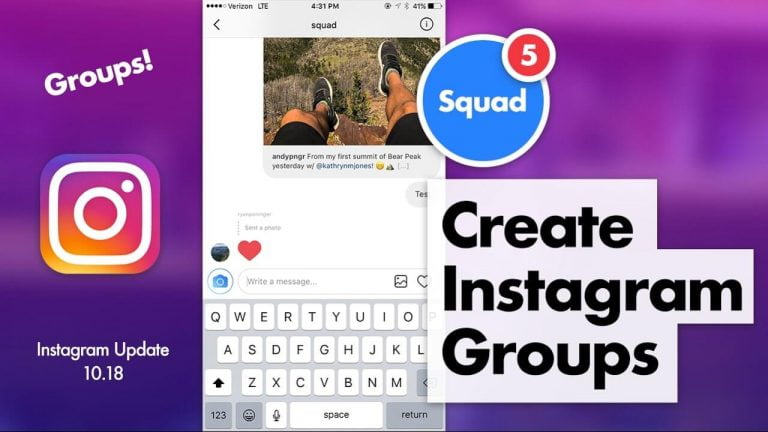 Instagram
How to Make a Group Chat on Instagram
A group on Instagram is a group chat in your messages. Start a new message, pick two or more people…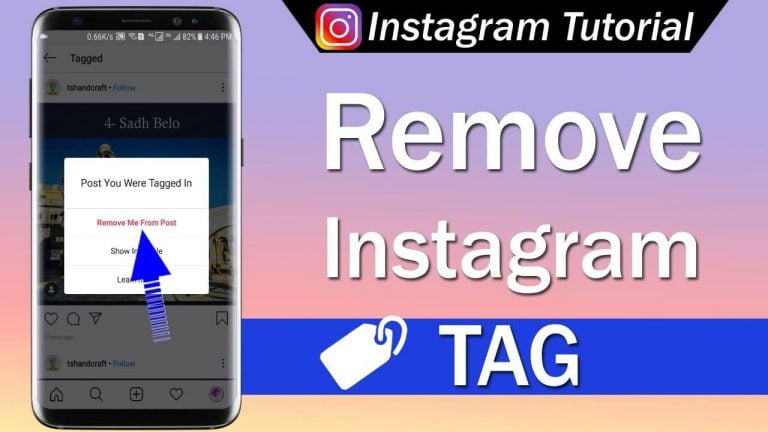 Instagram
How to Remove a Tag on Instagram
To take your name off someone else's post, open the post, tap your tag and choose Remove me from post.… Instagram
How to Use Before and After Scanning Instagram?
The before and after scan Instagram filters have lately gained popularity. Instagram users have taken to the filter rapidly, and… Instagram
How to Comment on Instagram?
There is a ton of picture applications available, but Instagram is the best of them all. The straightforward and easy-to-use…Written by the Boost Social Media team. Each guide shows the date it was last updated.